
Think “new user experience” instead of “onboarding”
ESSENTIAL ONBOARDING TACTICS — PART 3: FUNCTION-ORIENTED ONBOARDING
Types
Progressive Onboarding
Value Oriented Onboarding
Function Oriented Onboarding
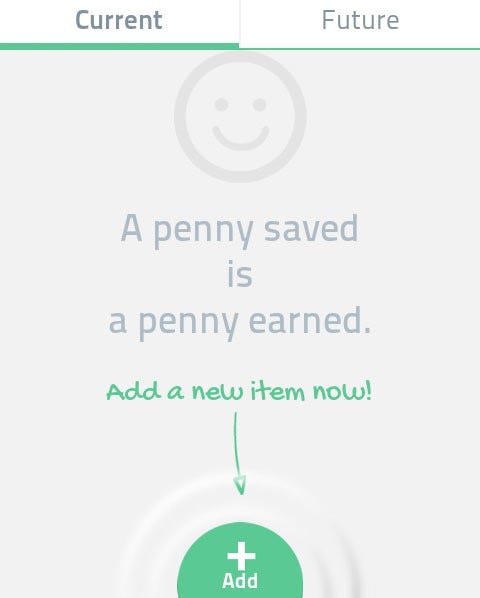
Some apps start off with a default, clean “empty state” which requires your app user to personalize and populate the main page with content or preferences. If your app possesses this sleek, immaculate state, make sure you explain to users right away how to get started with the functions available to them, or else the user might be confused by the condition and which actions are required. Even worse- within a second they might think that the empty state is an app error and thus presume your app is faulty. Below you have Spendee, which shows users how to get started right away.
First impressions are rough. On average, nearly one in four users will abandon a mobile app after using it just once. Ouch. And once they’ve tried your app and left—they’re gone. That’s why it’s absolutely essential to give your users the right-sized app onboarding experience for your product.
New users don’t sign up for your product because they are excited to learn how your product works; they sign up because they interested in the value that you promise to deliver.
There are three basic goals that UX designers strive to achieve with onboarding screens and functions.